I mentioned in the article “From installing OpenClaw to understanding Skill” that my understanding of Skill is:
-
Skill is Prompt, which is an instruction specification written for AI execution.
-
Skill is an App, allowing Agent to solve many problems that software needs to solve.
This article shares several skills that I commonly use. Except for the first one, I have published the others on YouMind. If you are a YouMind user, you can install and use it directly.
1. Turn a blog into a book
Valuable blogs, as well as open source books on GitHub, are scattered everywhere. Click on each article to read, instead of packaging it into an epub and importing it into the reader, it will be more immersive.
So I made a Skill: throw the author’s blog link to the Agent, let it crawl the content directly, and then convert it into an epub file with a table of contents and page turning.
After getting the epub, I will import it to WeChat for reading. The highlights and thoughts in reading on WeChat can also be exported to My Booko.
If you encounter English content, WeRead has a useful membership function: Bilingual Translation. It will translate according to the context and is more accurate than ordinary translation tools.
Of course, if you are not a WeRead member, you can also write clearly in your Skill: when you encounter English articles, translate them first and then transfer them to epub.
2. Every magazine style cover picture
Every magazine has a really cool cover style.
The biggest feature is the use of classical Victorian sculpture style to collide with modern elements. Putting classic and modern together has a strong impact. Coupled with the processing of ripples, lines and dots, it is very textured and very personal.
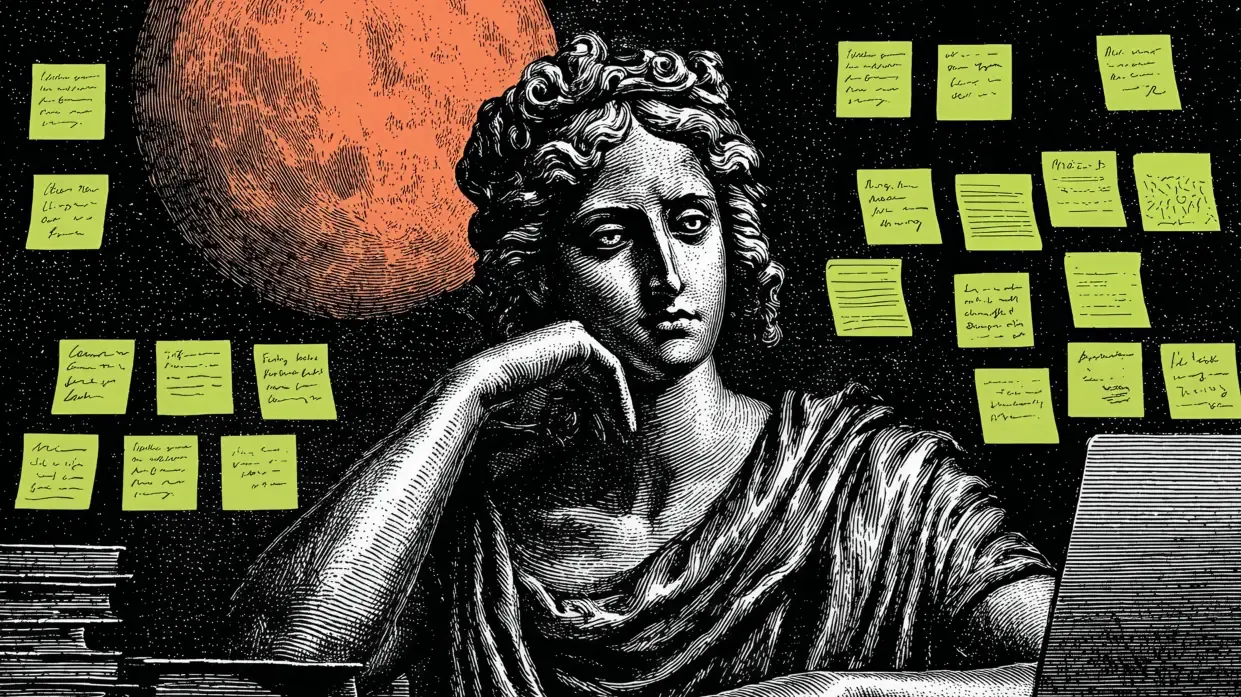
But the most difficult part of recreating this style with Skill is: elements such as ripples and lines have changed too much, making it impossible to perfectly restore it with just one prompt word.
So I changed my mind and only reproduced the core elements: the main body of the Victorian sculpture style, plus a modern element, and a single color block for the background.
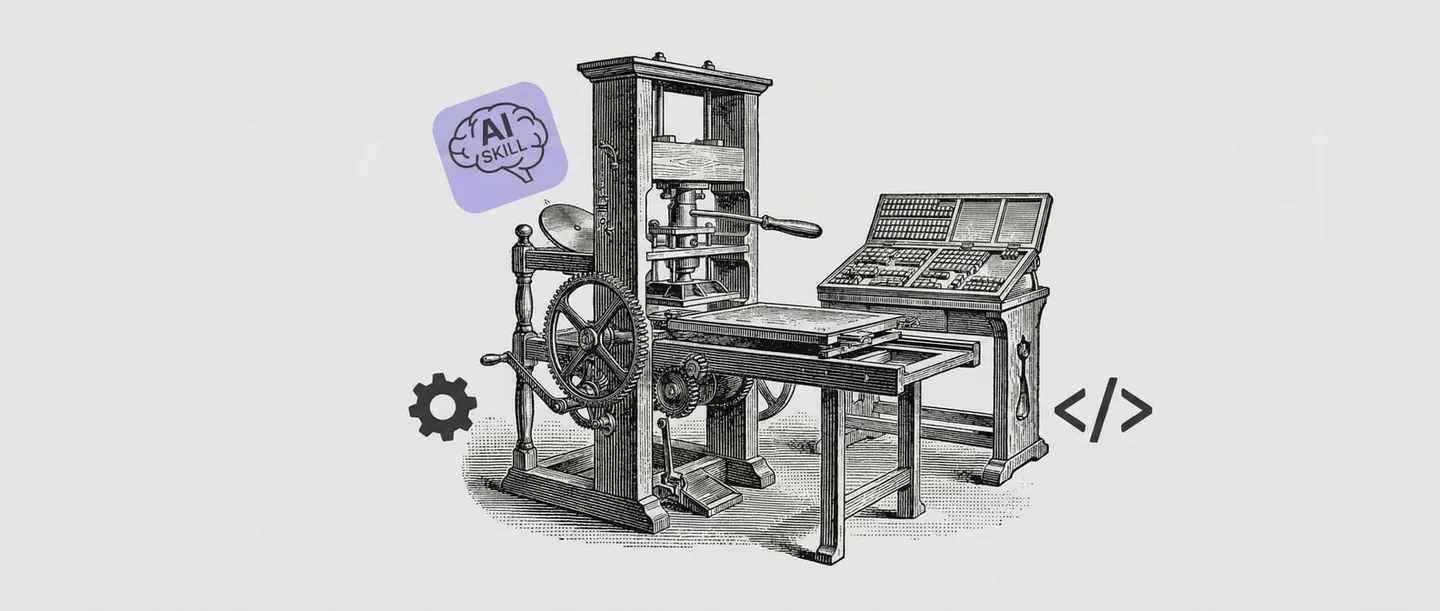
The covers of my previous articles were generated using this set of prompt words. The main body is very prominent, but the overall effect is far from Every, especially the black spots on the background image, which looks particularly unprofessional.

Last week I made 2 more.
- One removed the dotted background.

- Another fixed light gray background.
3. Podcast tracking and forwarding
Now more and more AI tools support scheduled tasks. This means that you can go from “actively asking” to “passively receiving”.
Combined with scheduled tasks and skills, you can automatically push various information sources.
For example, a Skill combination I just started trying:
-
Skill No. 1: Regularly grab the latest two podcasts of the “International Travel Plan” and put them into the Board I designated.
-
Skill No. 2: The next day, I regularly converted the verbatim transcripts of the two latest episodes of the “International Travel Plan” podcast into transcripts for my convenience.
This mode can be changed into many scenarios: in-depth articles on a certain topic, updates on a certain product, daily email summaries… As long as you write the skill and add a scheduled task, it can start running.
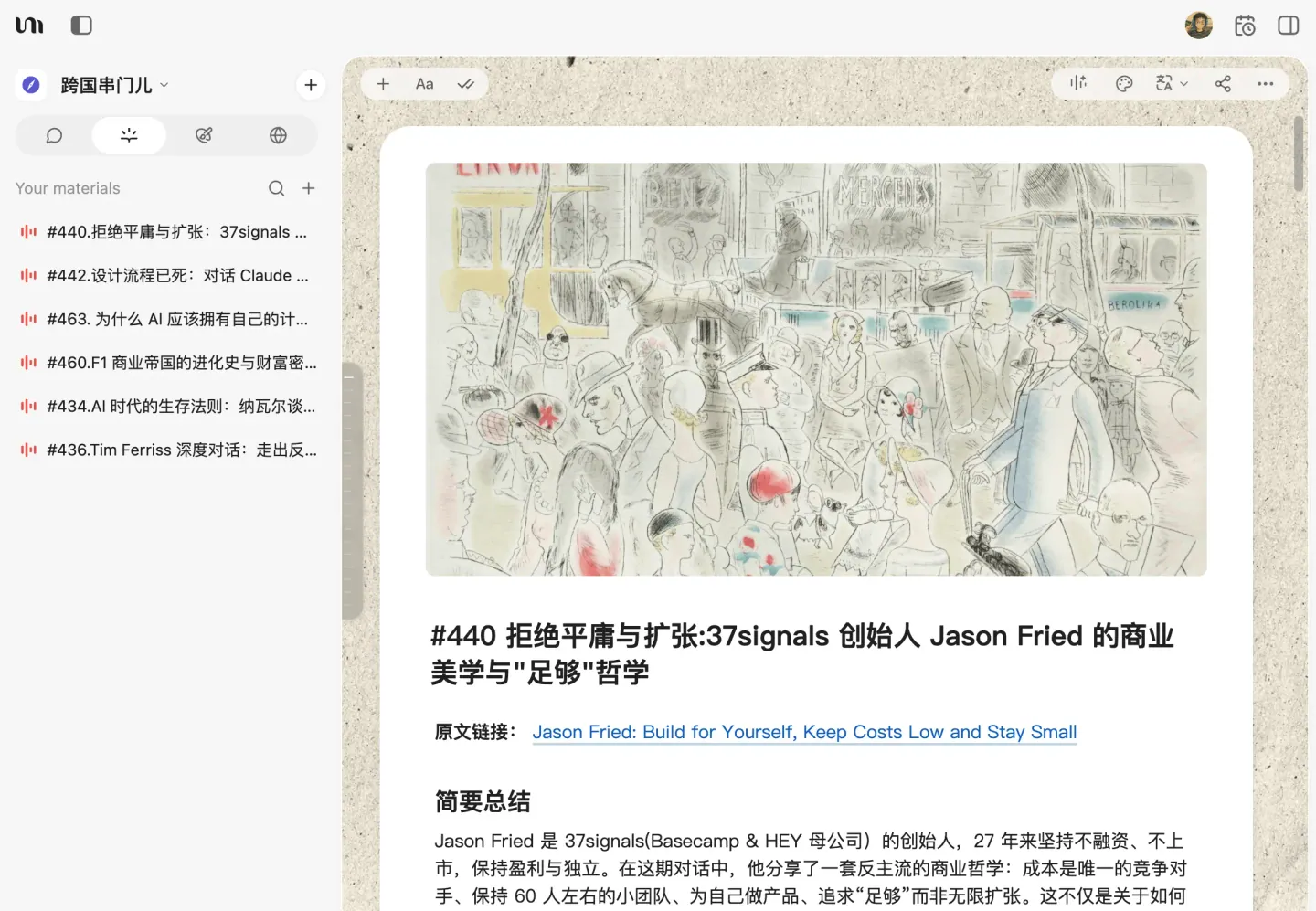
However, audio and video subtitle transcription takes time, so it needs to be split into 2 scheduled tasks.
-
The first task is to grab the podcast.
-
Run the second task a few hours or a day before converting the text, giving YouMind enough time to process the subtitles. (I have been using the Skill for converting podcasts to manuscripts for more than half a year. This Skill was actually written by Uncle Yu. I just added a requirement at the beginning to let the AI first find 2 podcasts in the specified Board and then convert the manuscripts.)
By the way, “Transnational Visiting Program” is a program that translates overseas English podcasts into Chinese podcasts. It focuses on AI products, technology business, personal growth and other directions. The content selection quality is very high, and it is a free alternative to Xiaoyusi simultaneous interpretation.
4. One-click typesetting
Whether it is text written by AI or a draft written by yourself, the typesetting is often not accurate enough.
For example, overseas models always use ”,” in English instead of ”,” in Chinese.
Another example is when I write, I can’t tell whether to add a period before the brackets or after the brackets.
So, I made a content layout Skill. In this skill, I also added some writing standards: use less passive voice; focus on short sentences, one sentence has one meaning; use less clichés, etc.
Now, I will use this Skill to process the article before officially publishing it.
Finally
The first skill involves crawling external content, which is not easy to implement in YouMind. It is recommended to try it in Manus or Kollab.
I have published the Skills for the rest of the scenarios on YouMind. You can find and install them by clicking the link below.
Every magazine style cover image
https://youmind.com/skills/YHaxOHXSXbKOkc
https://youmind.com/skills/p0uGy36HEOorli
International Visiting Program
https://youmind.com/skills/ZSoHrK8pBFSafm
https://youmind.com/skills/KApSCqUBDRFOz6
Content formatting specifications
https://youmind.com/skills/YKqlP3emTR85Fw
In general, the threshold for Skill is very low, just write an instruction, but the leverage is very high, saving time on repeated conversations and labor.
However, I still think that the best Skill comes from your own needs, let the Agent help create it, and then fine-tune it to be more targeted. /Users/jacbo/Library/Caches/Clop/images/86261.png